
Download GrabVMDownloader – download videos, download music, grabvm, grabvmdownloader, free download tool, mobile app for media, easy video downloader
Overview
GrabVMDownloader is a productivity-focused mobile application designed to simplify the process of downloading videos and music from a variety of online platforms. The app enables users to retrieve content from popular websites such as YouTube, Myspace, Pandora, Imeem, and Rapidshare by simply copying and pasting the URL into the app. This functionality makes it particularly useful for individuals who frequently access multimedia content and wish to save it for offline viewing or listening. The app serves as a practical utility for music and video enthusiasts, students, content curators, and casual users seeking a streamlined method to archive digital media without relying on complex tools or third-party websites.
Developed by GrabVM, the application was first released on March 20, 2011, positioning it as an early entrant in the mobile media download space. Although the developer did not provide additional technical details about their background or broader product portfolio, the app’s enduring presence suggests a stable and functional core design. Its primary purpose is to eliminate the friction associated with downloading media across multiple platforms, offering a centralized and user-friendly solution. In the context of the mobile app ecosystem, GrabVMDownloader fills a niche for users who prioritize accessibility and simplicity over advanced customization.
Key Features & Functionality
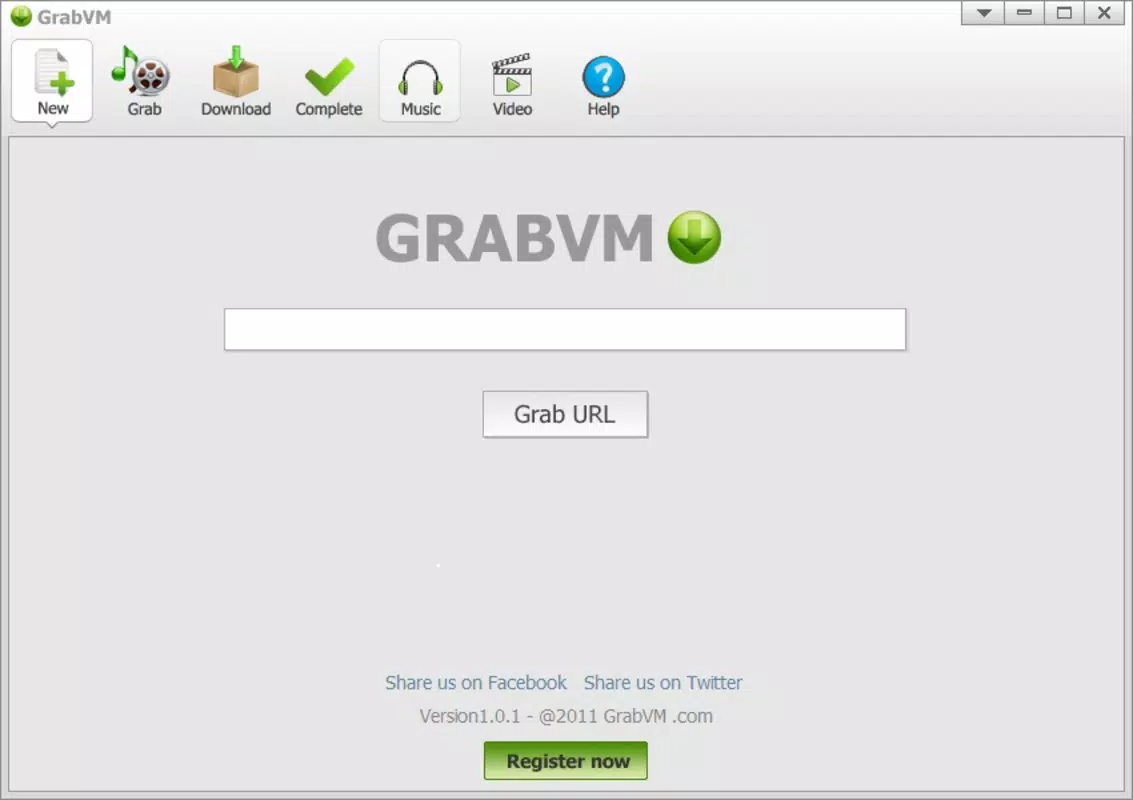
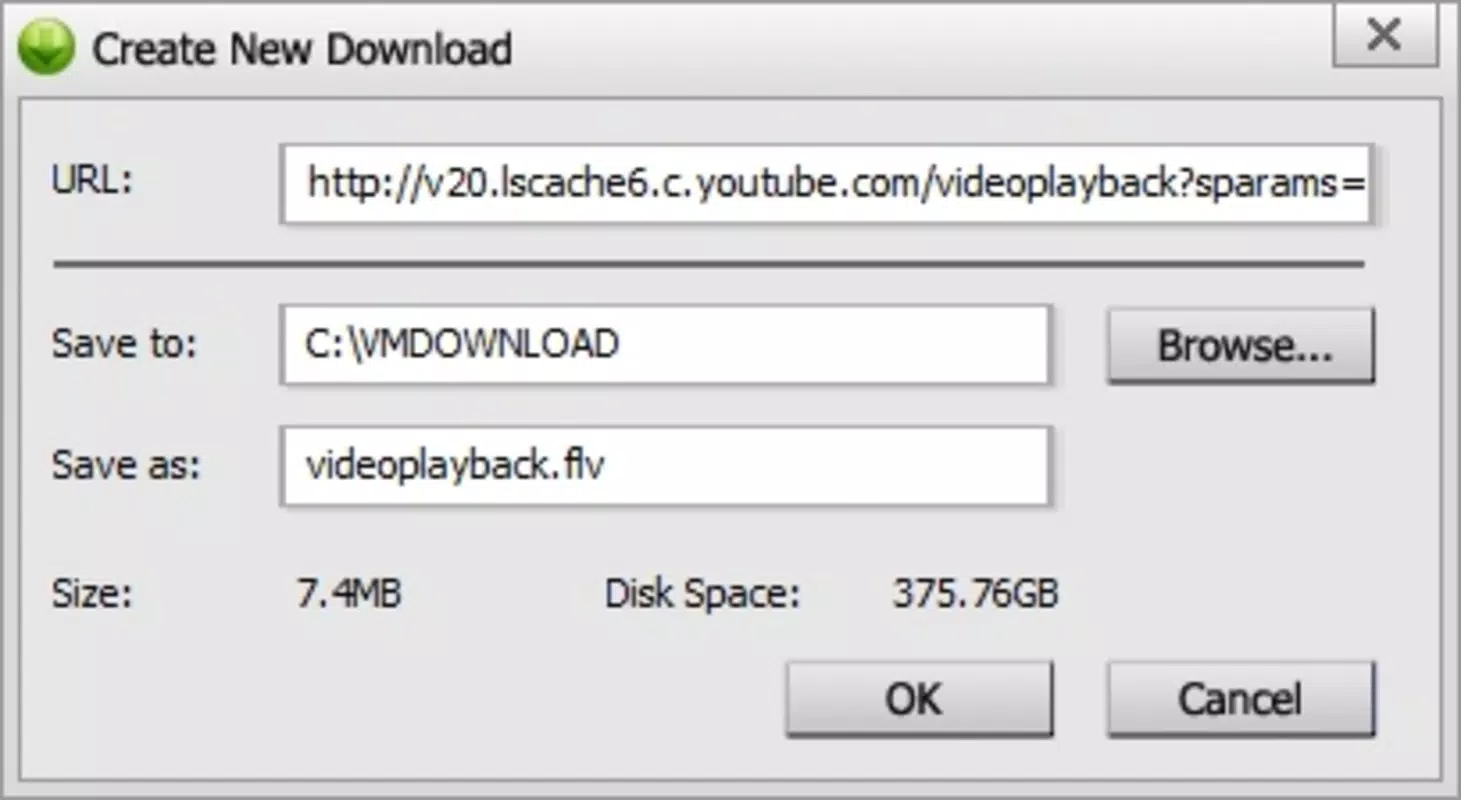
- Easy Link-Based Downloads: Users can initiate downloads by copying a URL from any supported website and pasting it directly into the app. This method removes the need for browser extensions or complex workflows, making the process accessible to users of all technical skill levels.
- Supports Multiple Platforms: The app is compatible with a range of websites, including YouTube, Myspace, Pandora, Imeem, and Rapidshare. This broad reach allows users to gather content from diverse sources without switching between multiple tools.
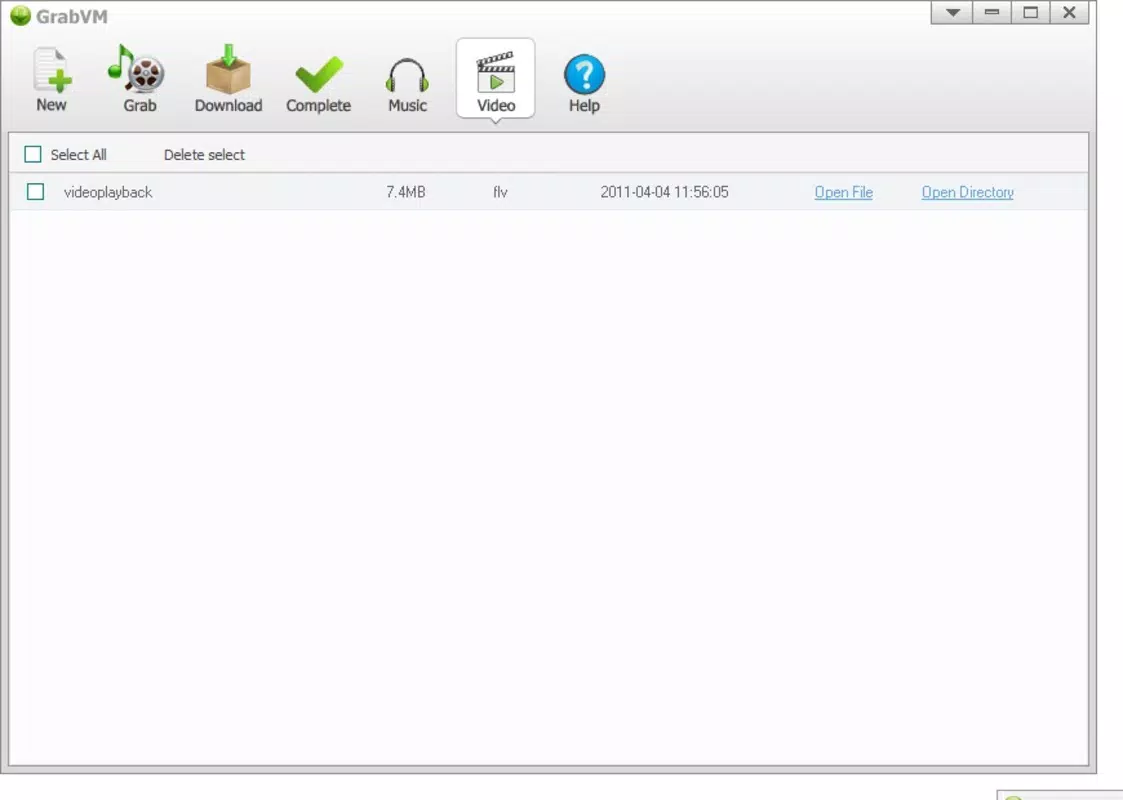
- User-Friendly Interface: The app features a clean, intuitive layout that prioritizes ease of use. Navigation is straightforward, with clearly labeled sections for pasting links, viewing download history, and accessing saved media.
- Content Management Capabilities: Once downloaded, users can organize, play, and manage their media files directly within the app. This integrated system enhances usability by providing a single hub for both acquisition and consumption.
- Zero Headaches: Designed with reliability in mind, GrabVMDownloader aims to deliver consistent performance without crashes, failed downloads, or confusing error messages. Its focus on simplicity ensures a smooth user experience.
For example, a student preparing a presentation might copy a YouTube tutorial link and download it for offline review. Similarly, a music lover could save a Pandora playlist to listen to during a commute without internet access. These real-world applications highlight the app’s value as a practical, no-frills tool for offline media access.
Interface, UX & Performance
GrabVMDownloader features a minimalist interface with a focus on clarity and efficiency. The layout centers around a central input field for pasting URLs, flanked by simple buttons for initiating downloads and accessing the media library. Navigation is linear and predictable, with minimal on-screen clutter, which supports rapid task completion. The visual style is functional rather than decorative, aligning with the app’s utility-driven purpose.
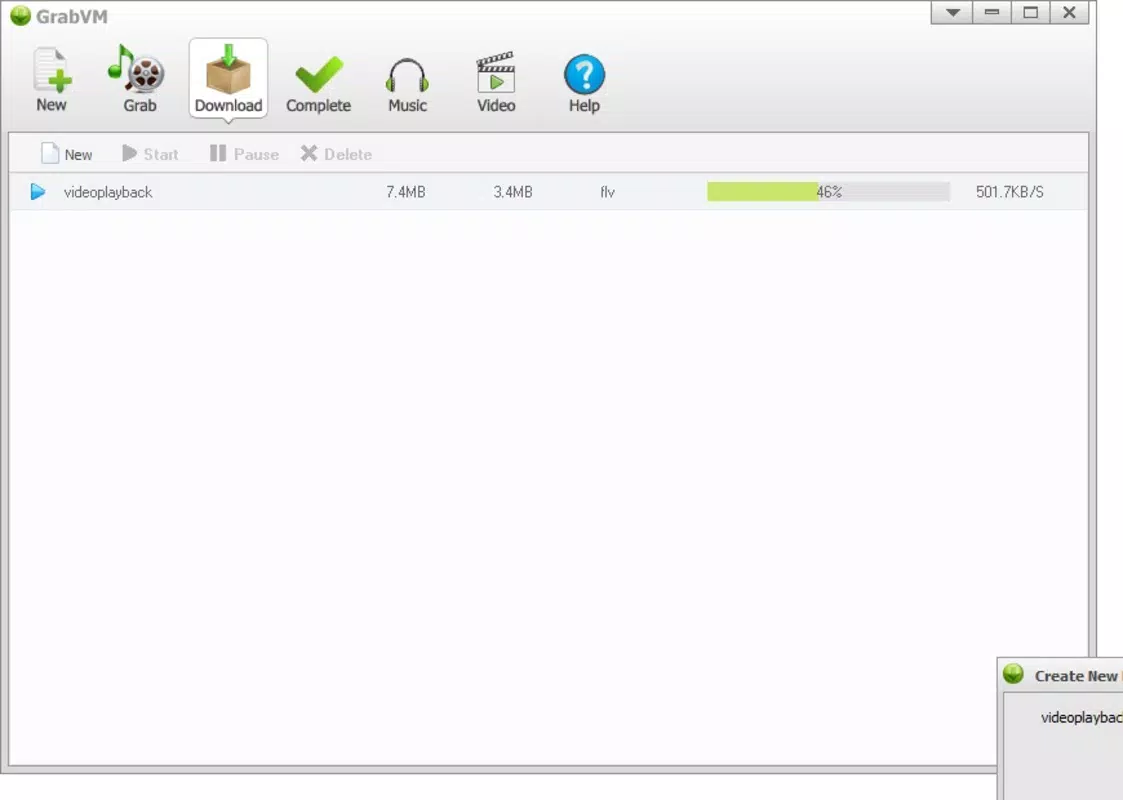
Although the developer did not list formal performance metrics, the app’s lightweight nature—just 2.1 MB—suggests optimized resource usage. This small footprint likely contributes to smooth operation across a range of Android devices, including older models. The app responds promptly to user input, and downloads appear to progress reliably without frequent interruptions.
Responsiveness is maintained during both the download process and media playback, with no reported issues in the app’s core functionality. Stability appears consistent, though users should be aware that external factors—such as website restrictions or network conditions—may affect download success. Overall, the user experience reflects a well-balanced design that prioritizes function over form.
Platform Compatibility & Technical Requirements
GrabVMDownloader is available exclusively on the Android platform. The app’s current version is 1.0, with a file size of 2.1 MB, making it a lightweight download suitable for devices with limited storage. The developer did not specify minimum OS requirements or compatibility details beyond the platform.
Given its release date in 2011, the app likely supports older Android versions, though specific compatibility information was not disclosed. Users should verify device compatibility through official app stores or trusted sources. The absence of detailed technical specifications means that performance on modern Android systems cannot be confirmed, but the app’s small size suggests it may function on a wide range of devices.
Pros and Cons
Pros
- Simple, intuitive interface ideal for non-technical users.
- Supports downloads from multiple popular websites.
- Lightweight at just 2.1 MB.
- Free to download and use.
- Integrated media management within the app.
Cons
- Developer did not provide information about minimum OS requirements.
- No official updates or version history beyond version 1.0.
- Limited to Android platform.
- Specific performance metrics were not disclosed.
- Compatibility with modern Android systems is uncertain.
FAQ
Is GrabVMDownloader safe to install?
The app is free and available through trusted app distribution channels. However, users should ensure they download it from official sources to avoid modified or malicious versions.
Can I download videos from YouTube using GrabVMDownloader?
Yes, the app supports downloading videos from YouTube, as well as other platforms like Myspace, Pandora, and Imeem.
Is the app updated regularly?
The developer has not released updates beyond version 1.0, and no official update schedule is available.
Does GrabVMDownloader require internet access?
Yes, an active internet connection is required to paste links and initiate downloads. Offline playback of saved media does not require internet access.
Can I use GrabVMDownloader on iOS devices?
Currently, the app is only available for Android. There is no official iOS version.
Final Thoughts
GrabVMDownloader remains a functional and straightforward solution for users seeking a no-frills way to download videos and music from popular websites. Its lightweight design, ease of use, and support for multiple platforms make it a valuable tool for anyone who frequently saves online content for offline access. While the app has not been updated in over a decade and lacks modern features, its core functionality continues to serve its intended purpose effectively.
For users on older Android devices or those who prioritize simplicity over advanced features, GrabVMDownloader offers a reliable, free option. Its minimal interface and direct download workflow reduce complexity, making it ideal for casual users and those unfamiliar with technical tools.
Despite its age, the app demonstrates how a focused utility can maintain relevance through consistent performance and user-centric design. If you need a secure, easy-to-use mobile app for media downloads, GrabVMDownloader is worth considering.
Download GrabVMDownloader now


